
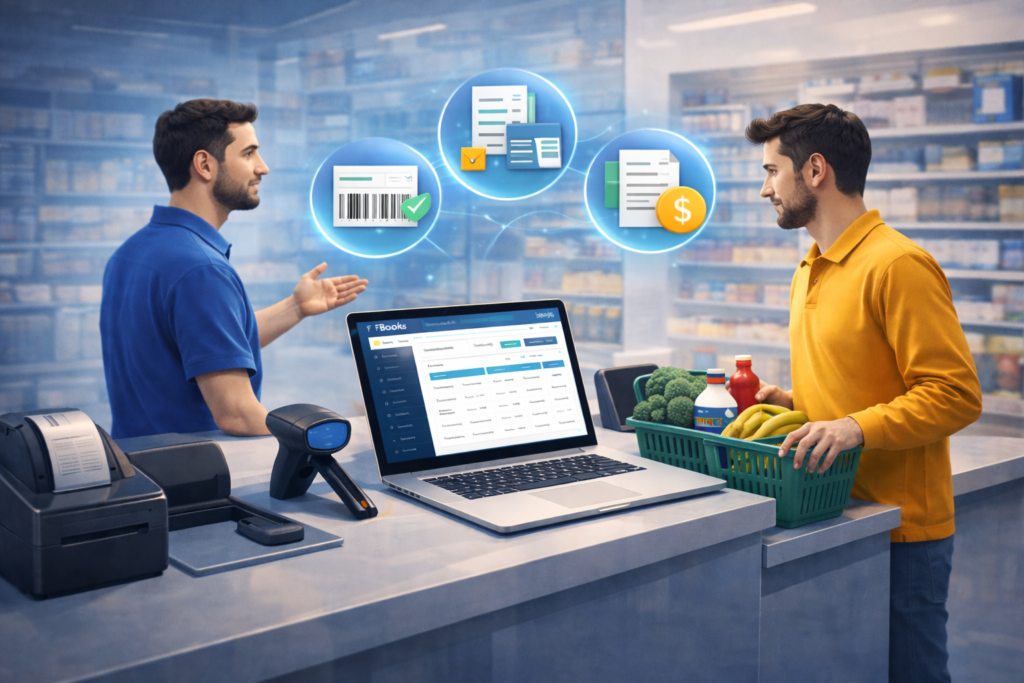
FBooks Accounting & Inventory System (Supermarket)
Nowadays, supermarkets and hypermarkets are an essential part of the modern retail industry and require a powerful system for efficient inventory and accounting management. FBooks Inventory & Accounting Software is designed specifically for supermarkets and hypermarkets, offering all the latest functionalities and features required for this fast-moving retail environment.
FBooks is implemented with modern POS systems and peripherals, including touch-based POS functionality, to ensure ease of use and high-speed billing operations. The system includes built-in customer promotion features such as discount schemes, loyalty programs, point-based rewards, customer grouping, and customer classification to help improve customer retention and sales growth.
By implementing FBooks Inventory & Accounting Software, businesses gain better control over operations through accurate data, strong security, simple workflows, flexible configurations, and scalable usage across departments and outlets. The system is built to support efficient retail management while ensuring speed, reliability, and ease of use.
Features & Services
Create and manage multiple items with ease
Use alternative units for purchase and sales (e.g., purchase in cartons or boxes and sell in pieces or smaller units) to avoid unit conversion issues
Set multiple price levels for a single item such as wholesale price, retail price, discount price, and customer-class–based pricing, with automatic price selection during sales
Change item codes and barcodes easily, even after transactions are entered, to correct mistakes without affecting data integrity
Group items into classes or categories based on type or usage (e.g., detergents, beverages) for better stock analysis and category-wise sales reporting
Generate barcodes for items based on cost and selling price and print them easily for faster billing and flexible price negotiation
Allocate part numbers to items, enabling quick and accurate transaction entry using part numbers instead of item names
Assign shelf names or shelf numbers to items to quickly locate products within large inventories
Identify items using product images, which can be viewed during sales entries for faster and error-free selection
Set maximum quantity, minimum quantity, and reorder quantity levels for each item with automatic alerts to prevent stock shortages and maintain optimal inventory levels
Use assembly and merging functions to combine items into a single product, ideal for promotional offers such as combo deals and buy-one-get-one schemes
Activate or deactivate items temporarily or permanently to hide unused or incorrect items from transactions
Allocate multiple barcodes to a single item, allowing flexibility in billing and stock entry
Enable item master read-only mode for non-admin users to protect item data and maintain security